Project 3: Lighting
Bogdan Gevko - gevkob@oregonstate.edu
Project Details
UFO Model
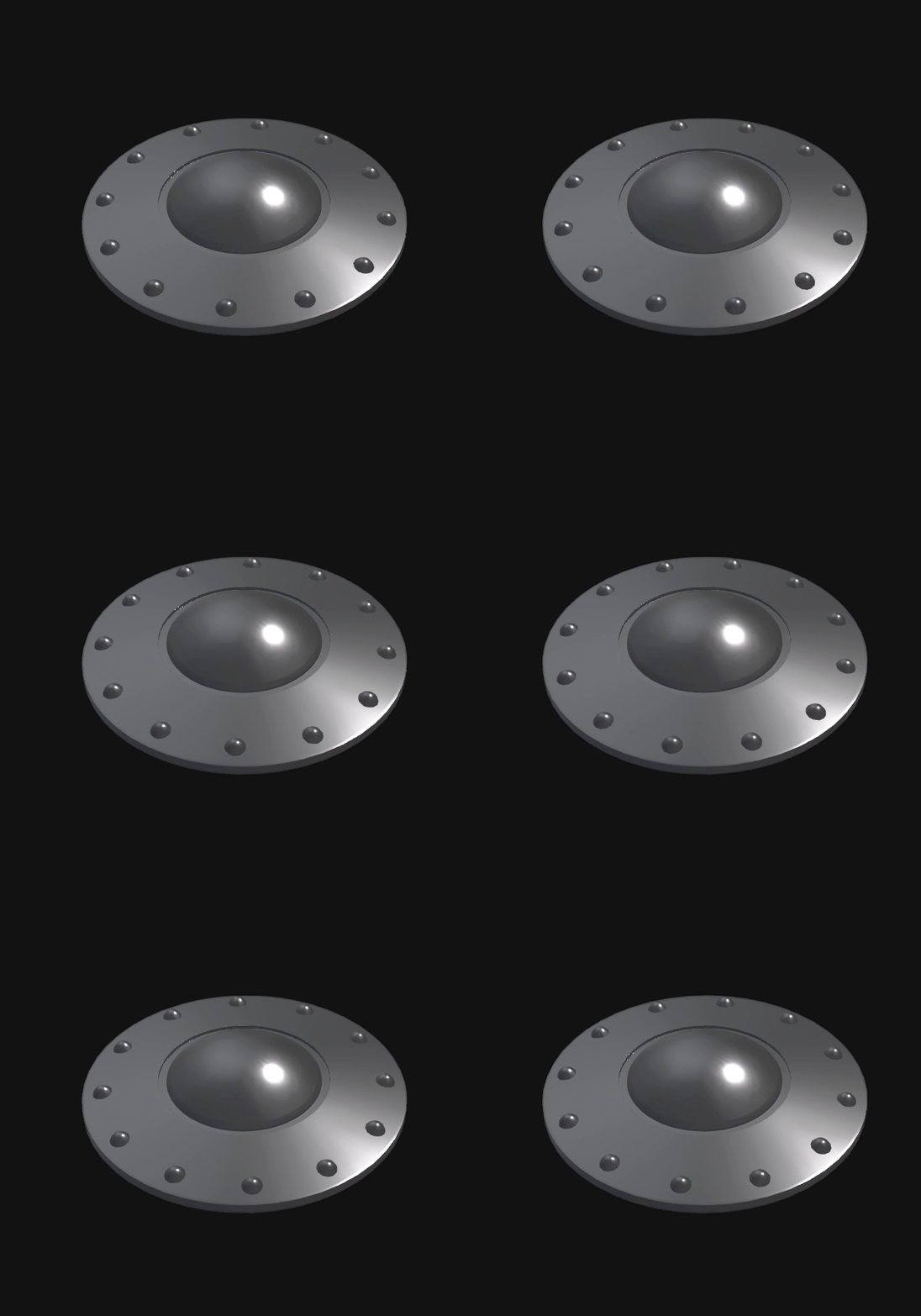
Blender Model
I built the UFO model in Blender, and exported it as three parts; the body, lights, and center. Exporting it as three separate objects allowed me to render each as its own GenList.
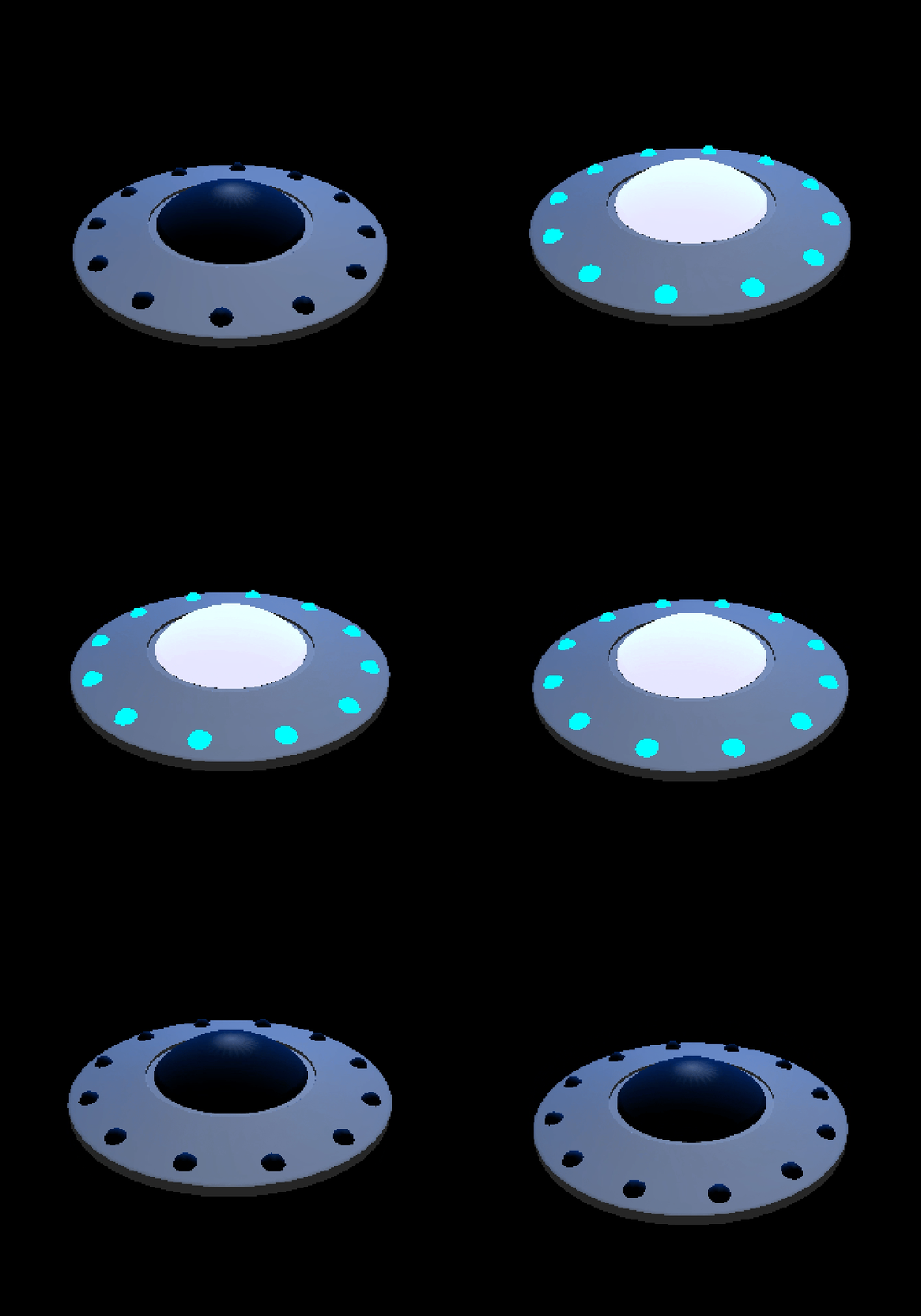
On and Off Functionality
I rendered the body as a grey solid with medium shininess. For the lights and the centered, I created two lists: An “on” and an “off” version, using GL_EMISSION material for the former. The final result is a space ship that I could turn on and off.
Building the scene
Because we were given the freedom to use Obj files, I wanted to do something to push both my modeling and OpenGL abilities. After messing around a bit on Blender, I ended up following a tutorial by Polygon Runway, an illustrator whose work I really admire! Here’s the blender scene I ended up with from following his tutorial:
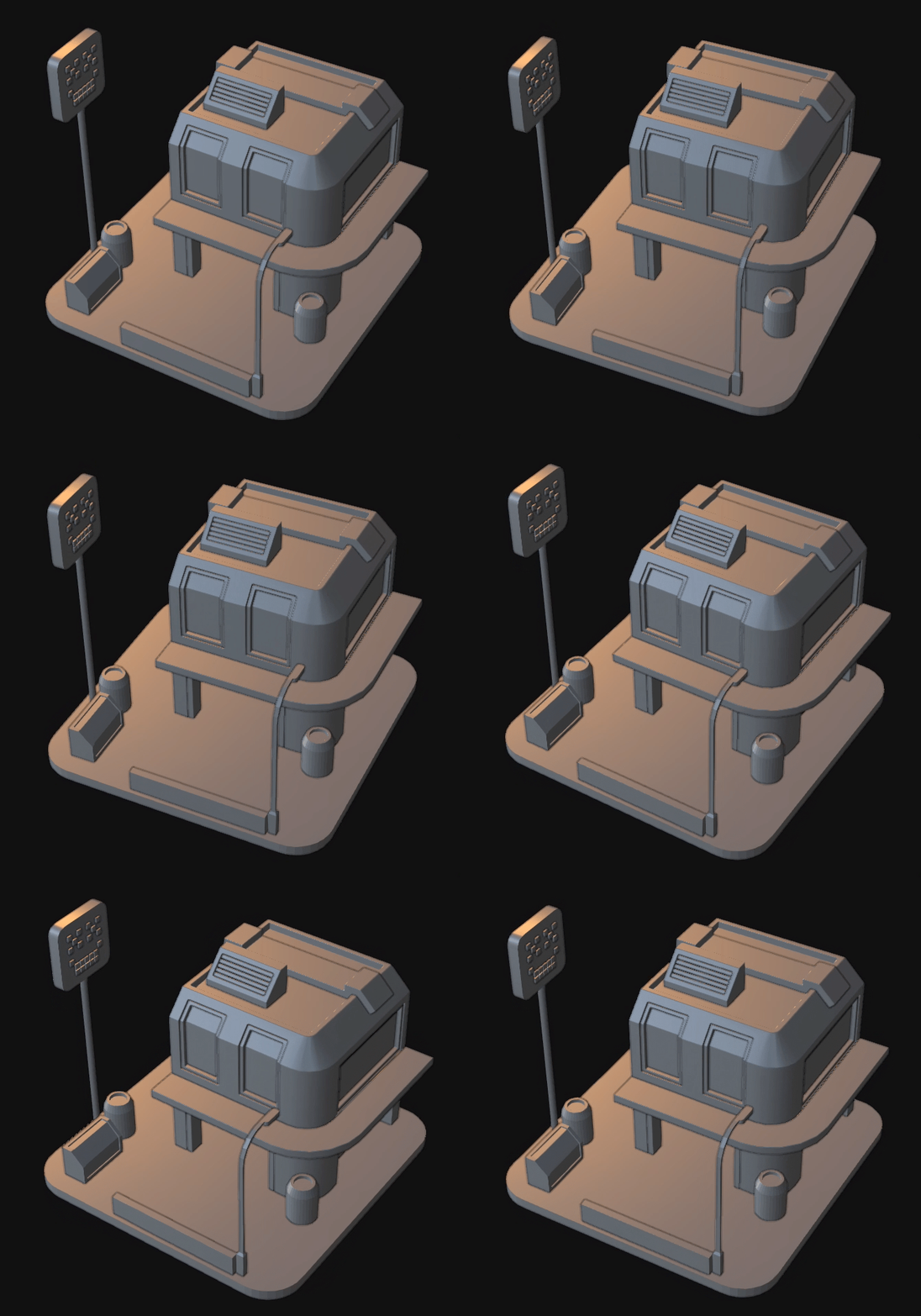
Blender Scene
Putting it all together
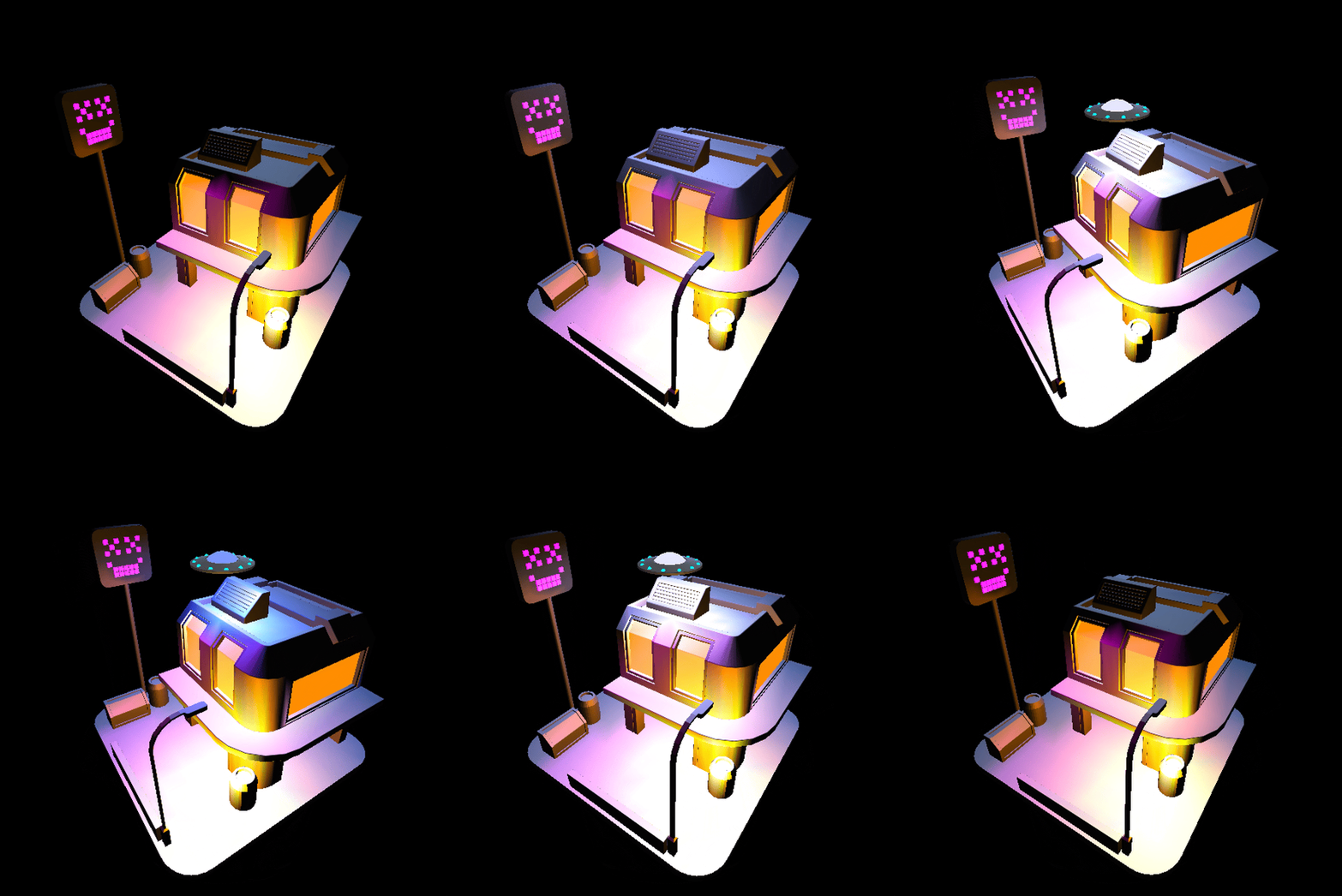
After building the scene in Blender, I exported the building pieces at a time, grouping elements as obj files and rendering their material in batches in OpenGL.
To make the scene a bit more pleasant, I applied the emission material to certain elements. I did this as a workaround to light sources not being visible in OpenGL. After tinkering with the positions and the settings, here is the final result in OpenGL:
And that’s that. Thanks for reading!