Project 2: Transformations
Bogdan Gevko - gevko@oregonstate.edu
Project Details
The Circle
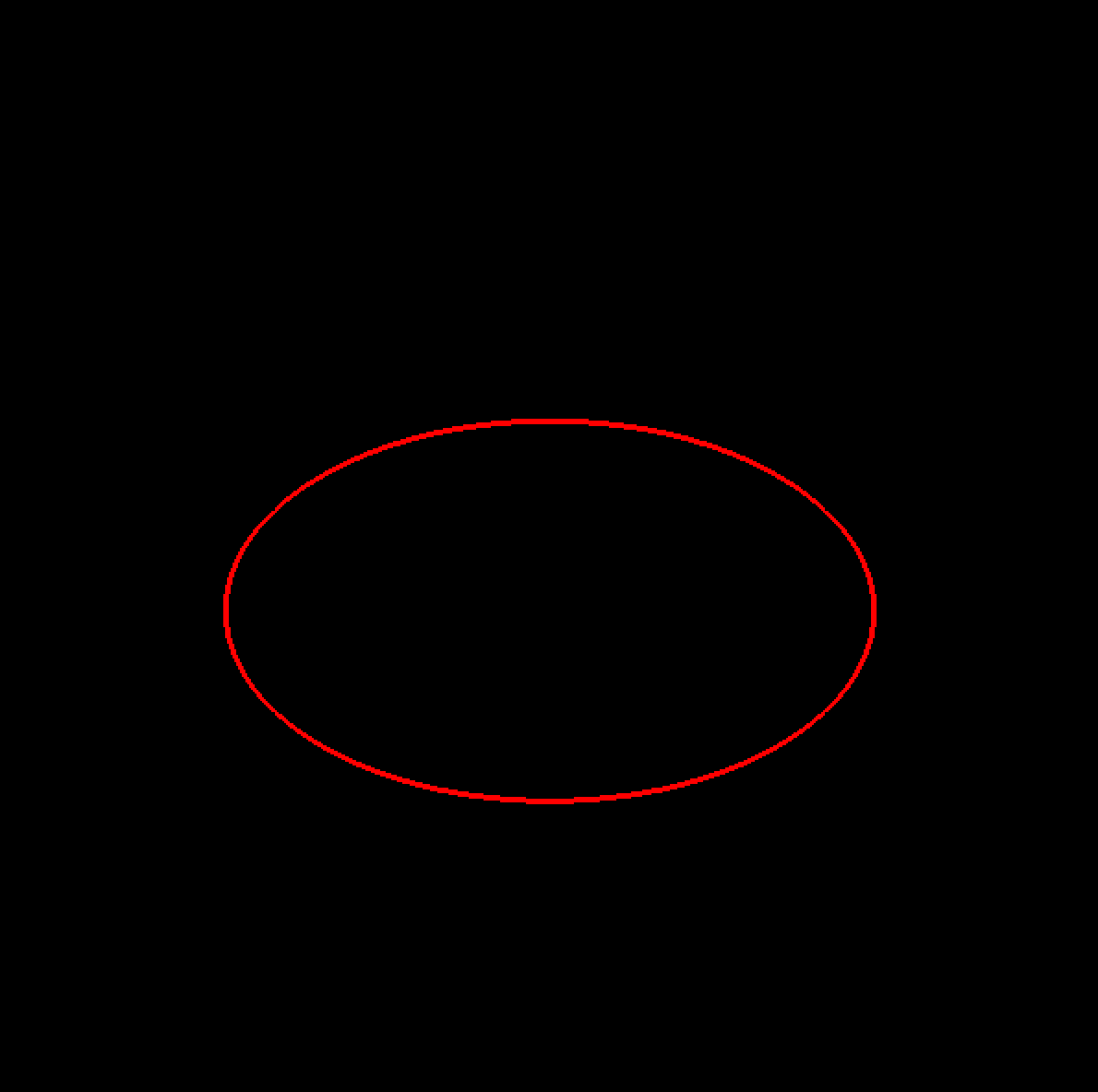
The CircleList is a GL_LINE_LOOP with 100 segments. I started with the example shown to us in the GL introduction slides and adjusted it to meet the assignment specifications.
Like the example, I first divided 2PI into 100 radian slices. Then, I created a loop that iterated 100 times, adding a slice to each point until I reached a full circle.
Importing the Horse
I took the horse vertex data and pasted it into its own file, horse.cpp. I then included it in the project below the global variables. Then, I created a new list, pasted the starter code, and it worked without any problems.
The model was a bit too big compared to my circle, so I immediately scaled it down by 50%. I wanted this to be the first transformation, so I included it right before calling HorseList.

Transformations
I did the transformations in the following order, moving in the upward direction glCallList:
- Scale the down by 50%
- Rotate the horse about the z-axis using the
sinefunction, giving the back-and-forth rocking effect.
- Translate the position on the y-axis, giving it the up-and-down motion.
- Rotated it 90 degrees about the y-axis to make it face the direction in which it will be moving
- Animated its rotation rotation about the y-axis to prepare it to face the correct direction as it’s going around in a circle.
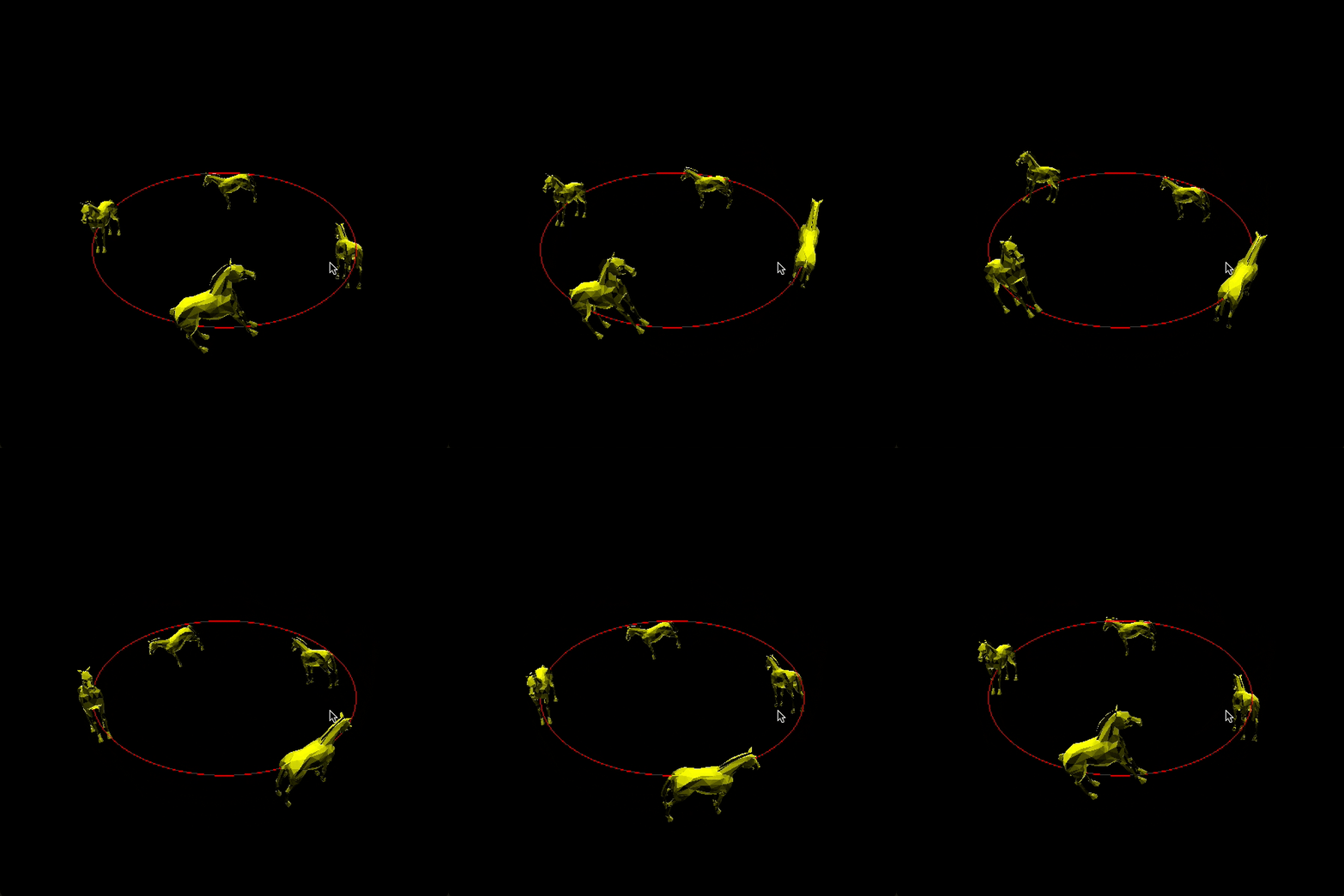
Finally, I animated its x and z position using sin and cos functions with a radius of two, which made the horse follow the circle.
For the extra credit, I created a loop and used glPushMatrix and glPopMatrix to duplicate, position, and rotate the other three horses with their respective offsets, which I stored in variables above the loop.
Inside View
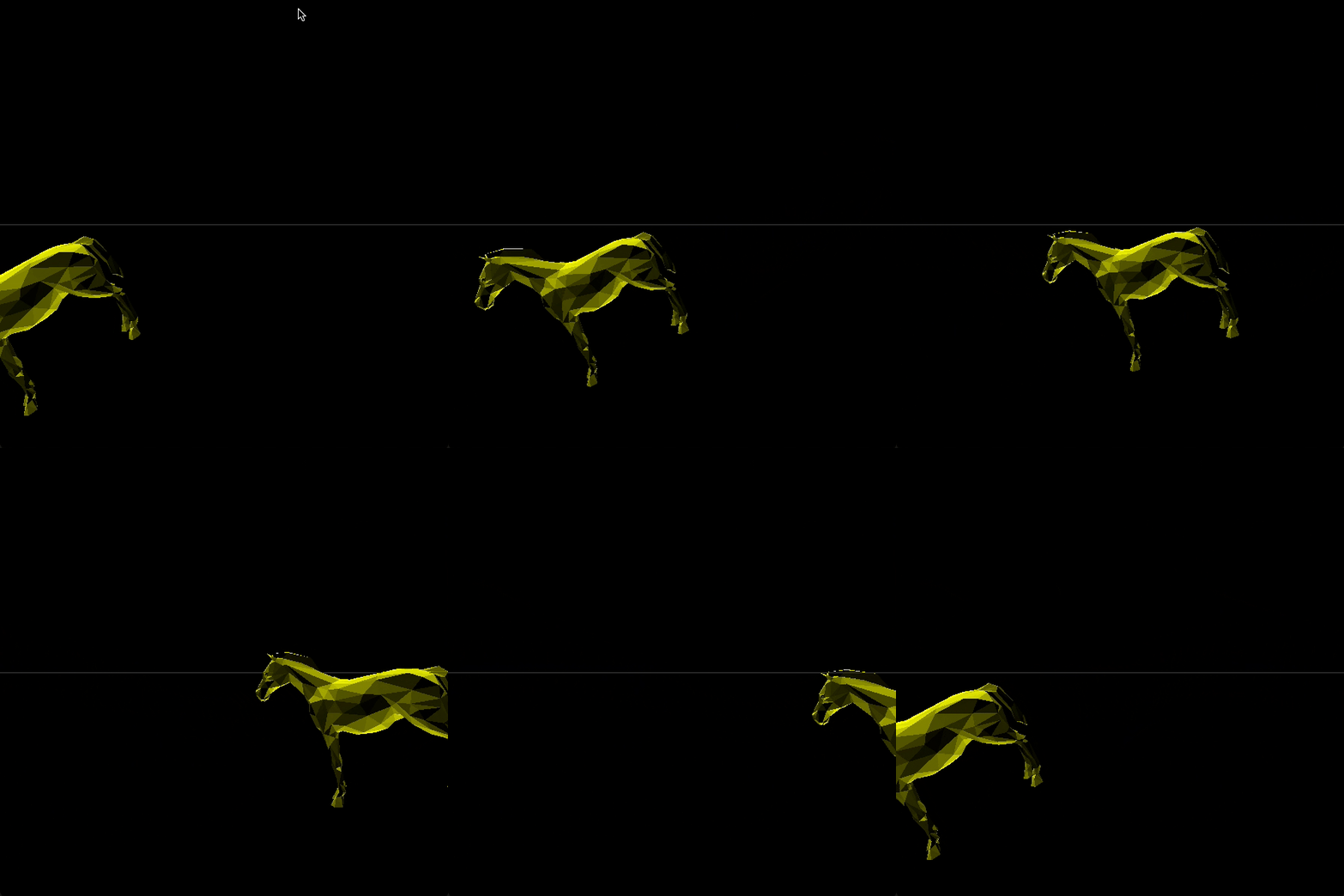
To create the first person view, I created a global variable and set it equal to 0 by default.
In the gluLookAt section, I created a conditional to show the first person view when view is set to 1, which I attached to a key binding.
Additionally, I added a few other conditionals throughout the program to prevent ORTHO and other transformations from being triggered in this view.
That’s it! Thanks for reading.