Project 1: Draw Something Cool in 3D
Bogdan Gevko - gevko@oregonstate.edu
Recorded video: (https://media.oregonstate.edu/media/t/1_4d4af8rr)
Project Details
The Grid
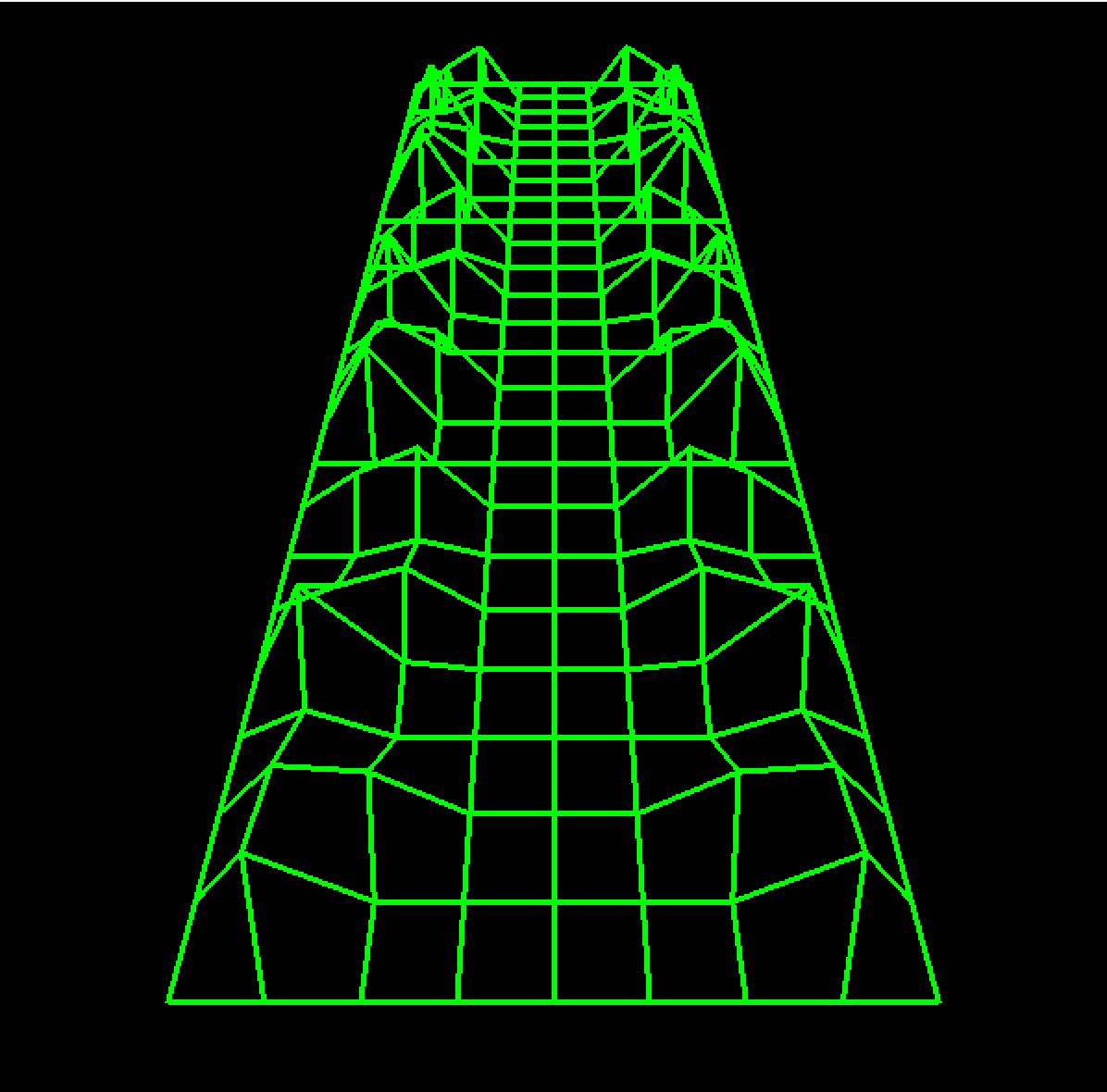
The grid is created in the GridList list. It’s got 8 rows and 8 column, with y values raised on each side to resemble mountains.
I used GL_LINE_STRIP to draw it all in one go reading the data from all the vertices. The mountain look is just raised y values, equaling to the same height on both sides.
My original intention was to triangulate the moutains to fill them with valid triangles, but I liked the minimal look, so I rolled with it!
This is the initial sketch for the idea in Blender. I do want to emphasize that I did not use outside models. The geometry is all created by me. You can recreate the mesh by doing the following:
Add a plane. Subdivide 7 times. Add a Triangulate modifier. Delete half the plane, add the mirror modifier. Go into Vertex mode and begin raising individual vertices to taste; leave the middle vertices flat. Or don’t! It’s a creative endeavor!
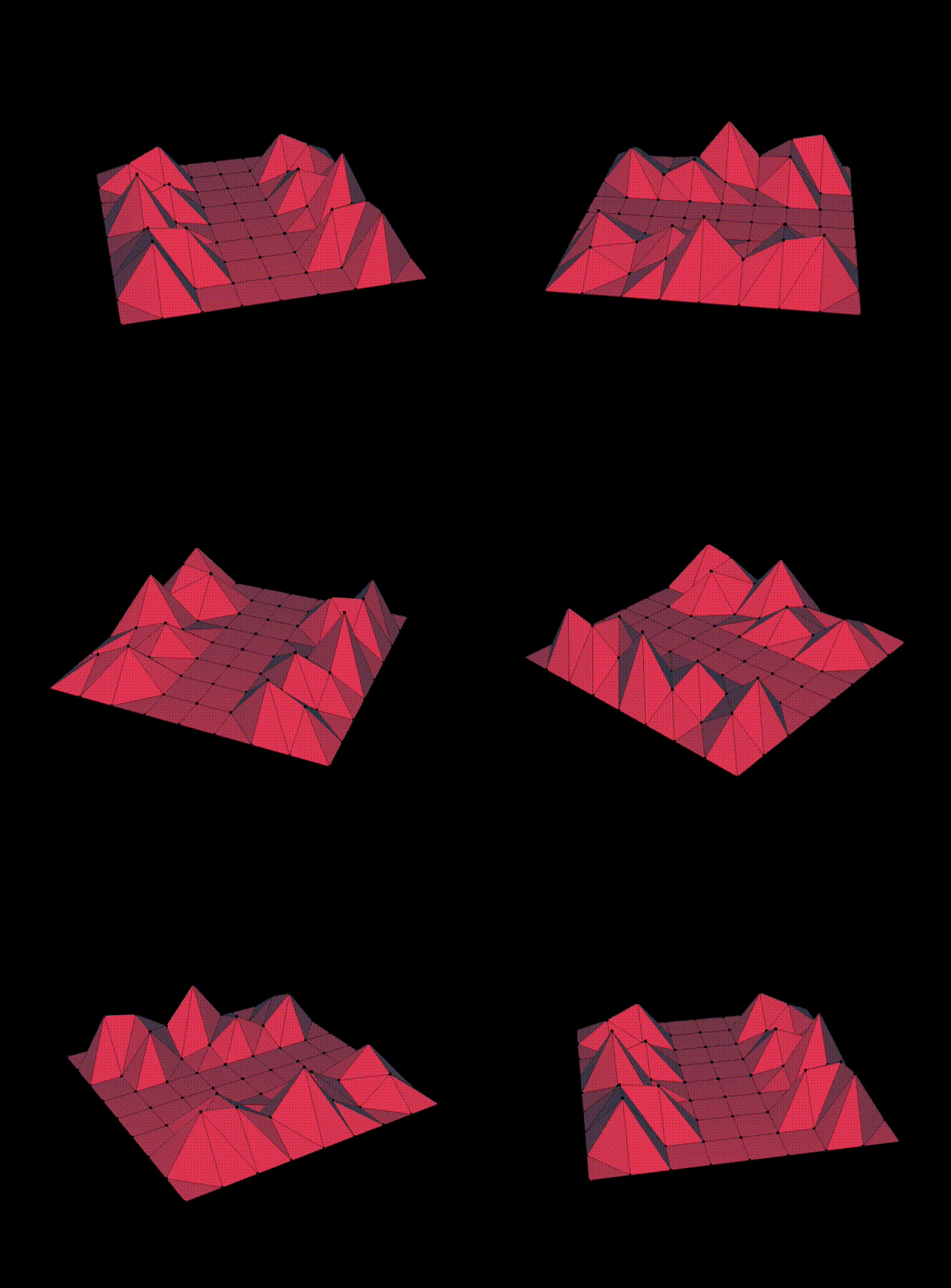
After creating the model, I referenced each individual point from Blender and added into my program, one by one. It was a lot of work!
Stars and Background Pyramid
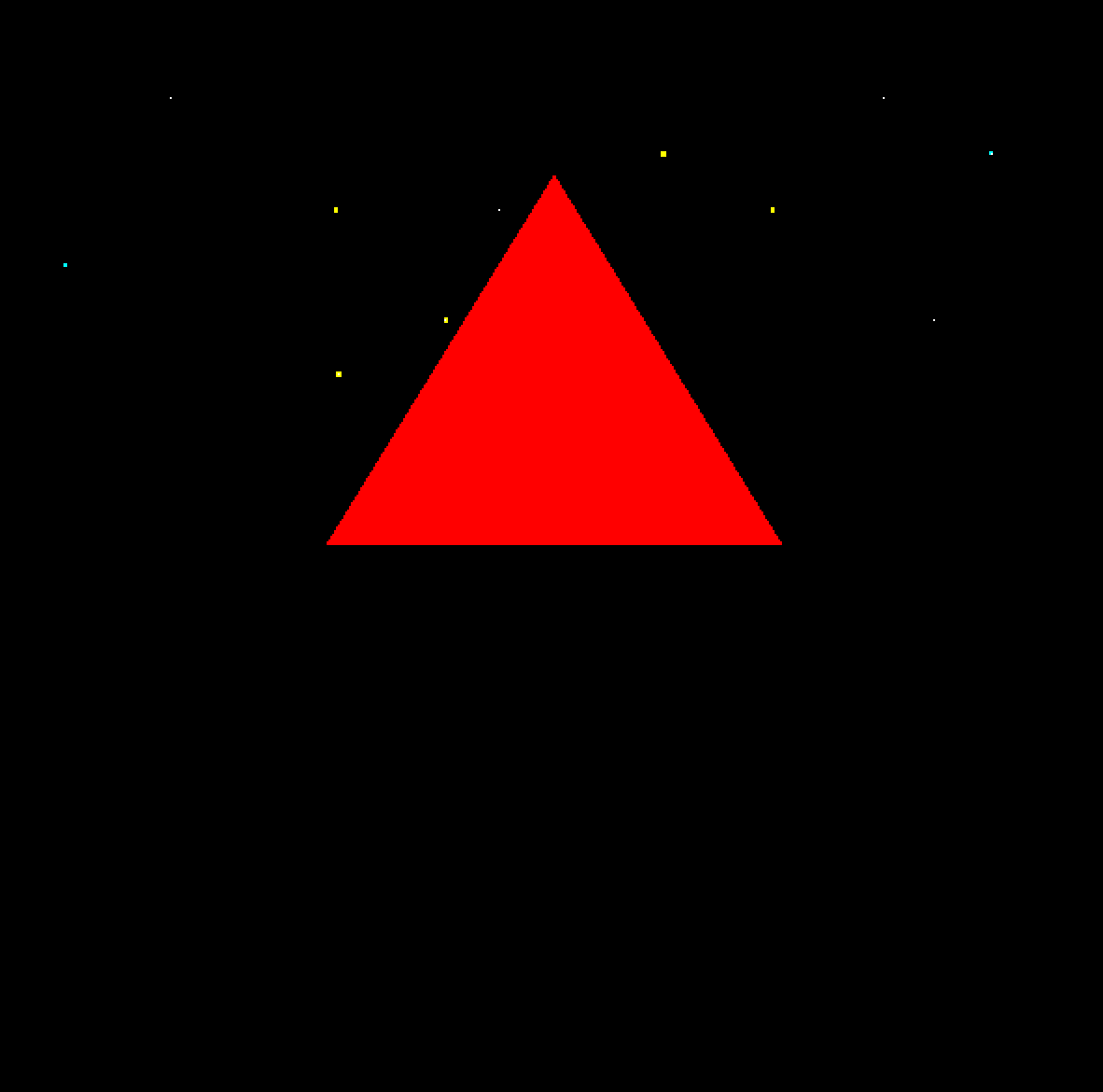
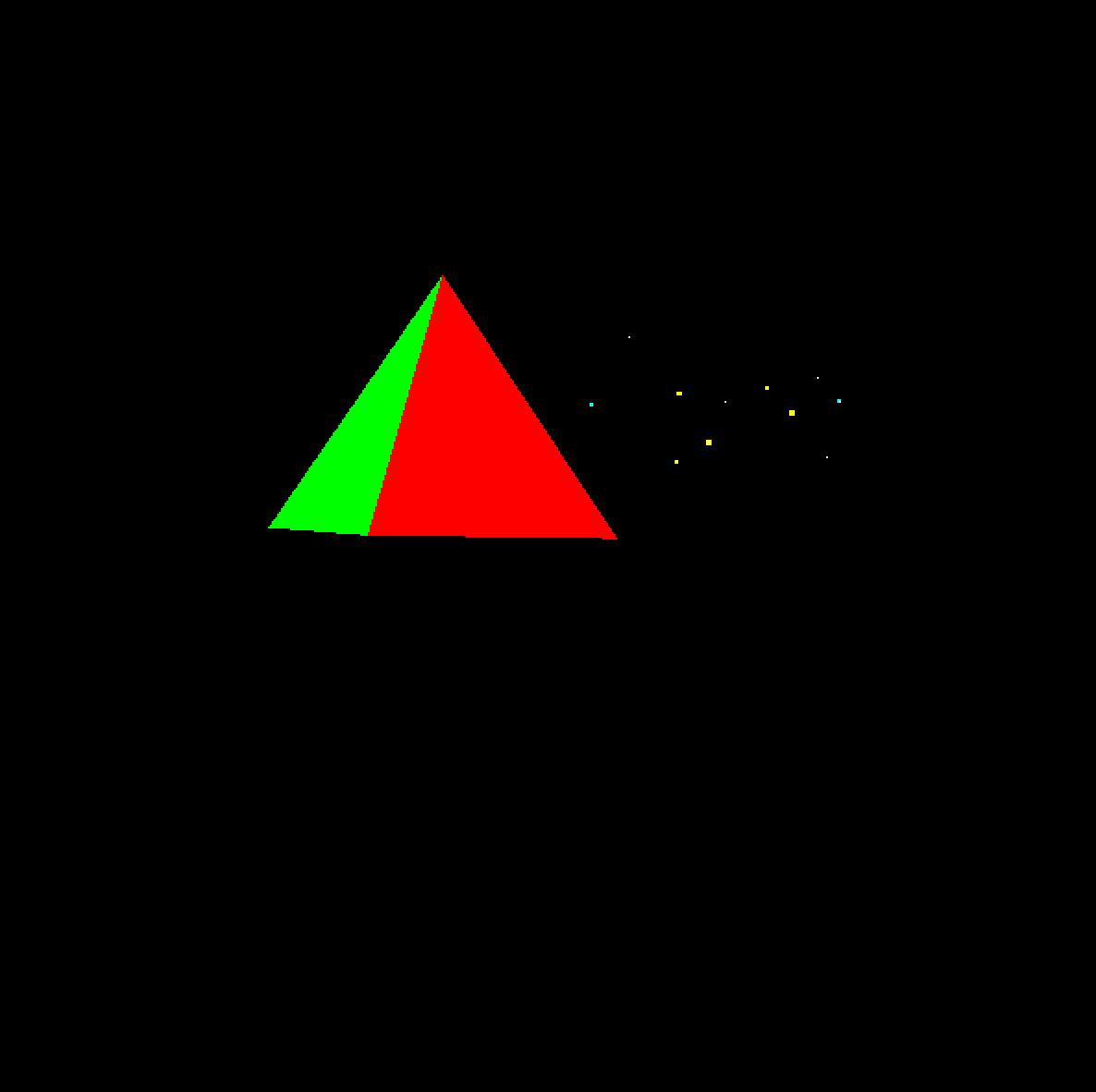
The triangle is actually a pyramid and the stars are actually in front of it. Doesn’t really matter if the illusion holds, right? For the stars, I used GL_POINTS and rendered them in three groups. It may not be apparent, but I used three different colors here.
Bonus Element: Illuminati Eye
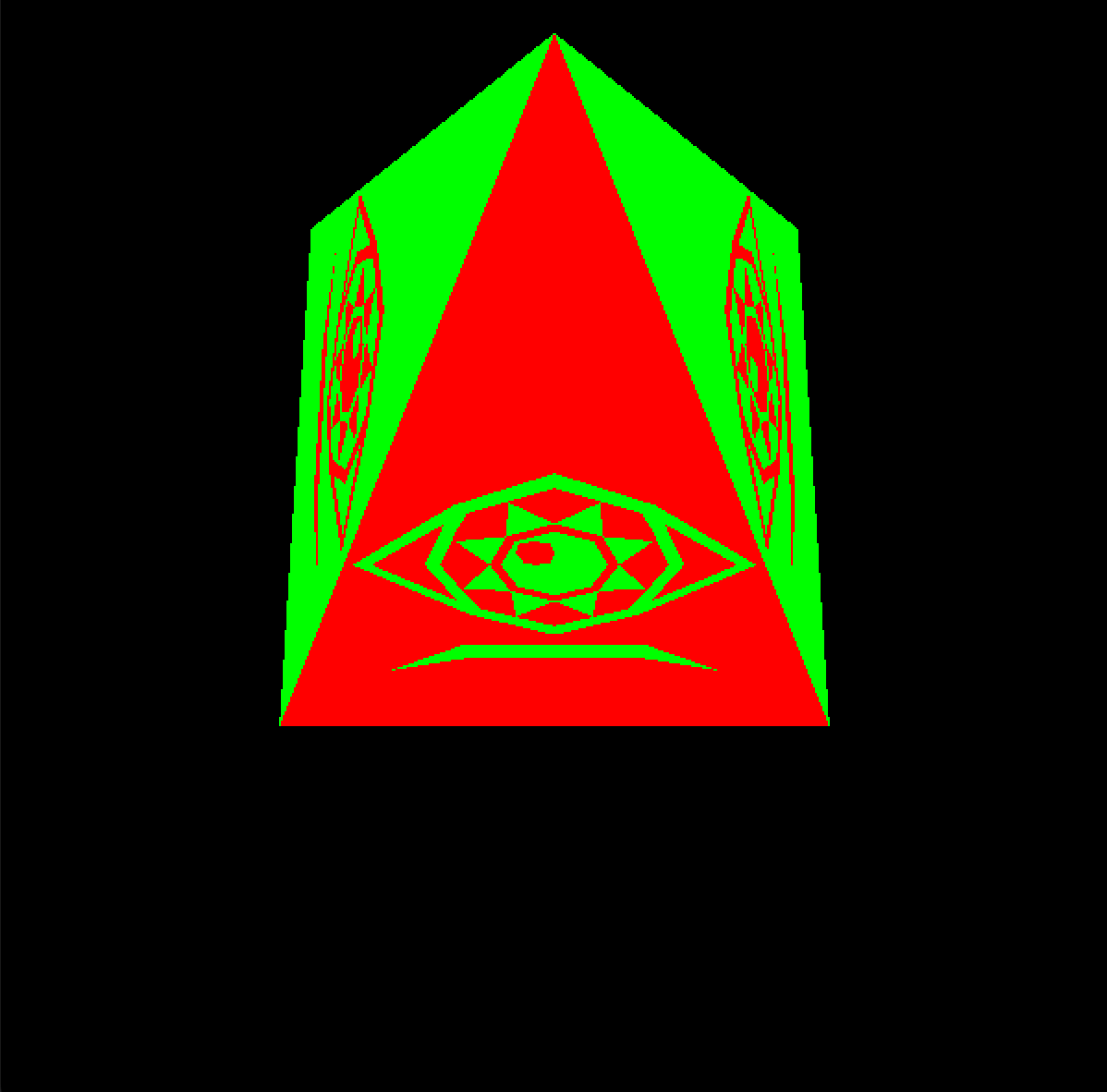
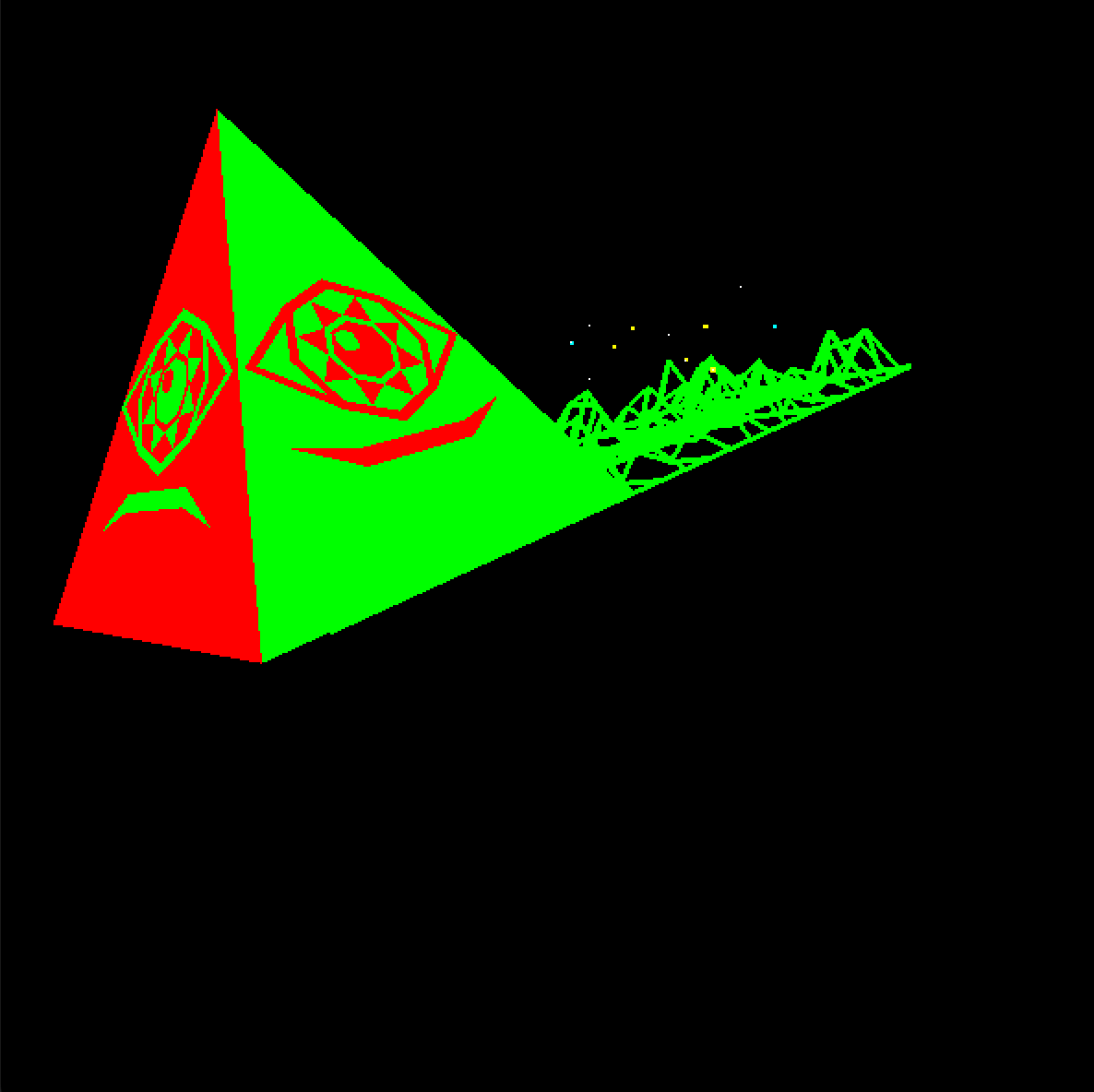
I didn’t use a texture, I created a flat design in Blender and imported it vertex by vertex. I was a bit smarter about it this time, I only imported half of it and used glPushMatrix() ,glPopMatrix()` and glScalef() to mirror it. The iris part of the eye is not mirrored, but the mouth corners and the rest of the eye are. Then, I played around with the transformations to make it lie flat against the pyramid surface. Then with a for loop, I generated three sides. Why not 4? Because I didn’t like how it looked from the front, but didn’t want to scrap hours of work. So now, it’s more of an ‘easter egg’.
Combined
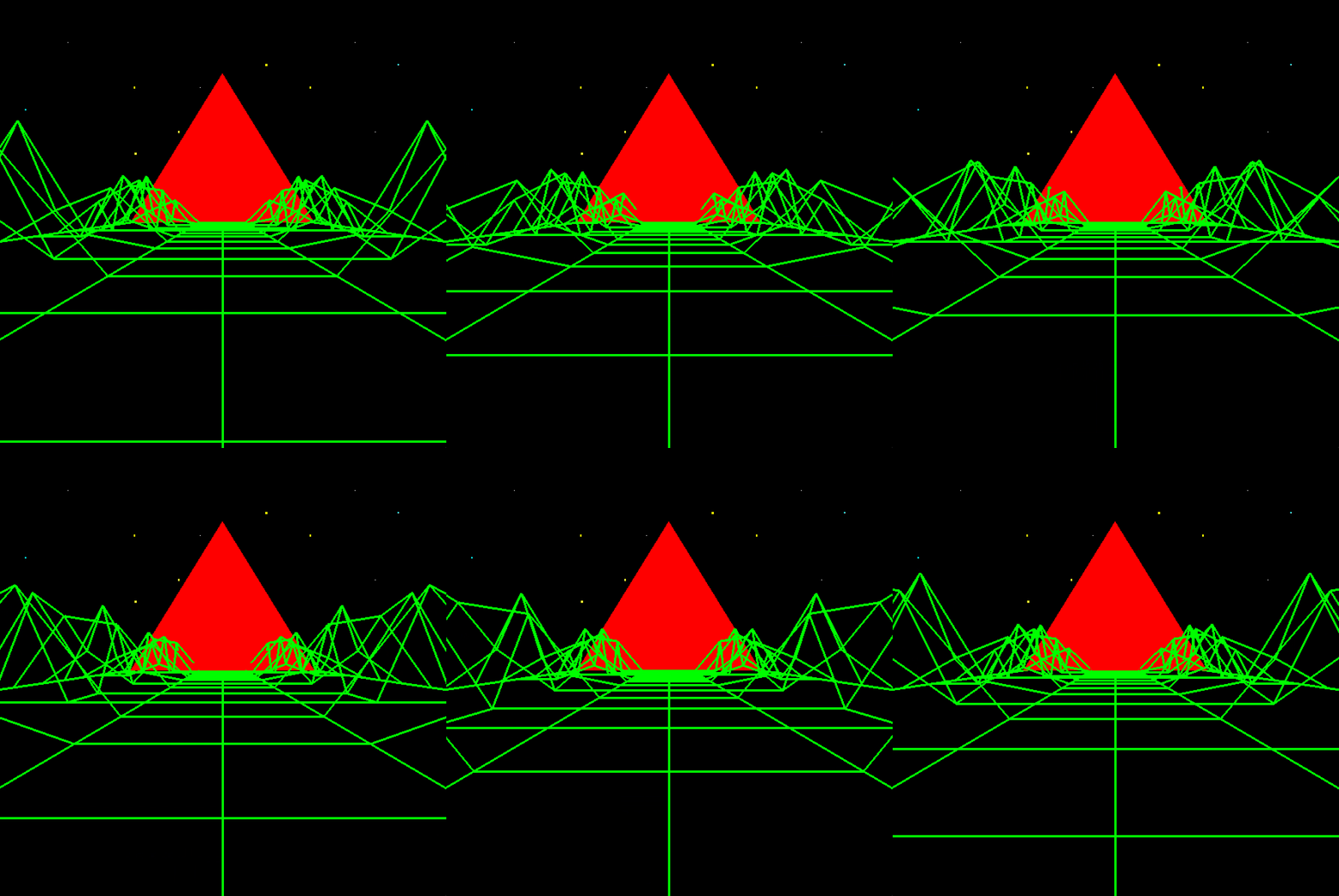
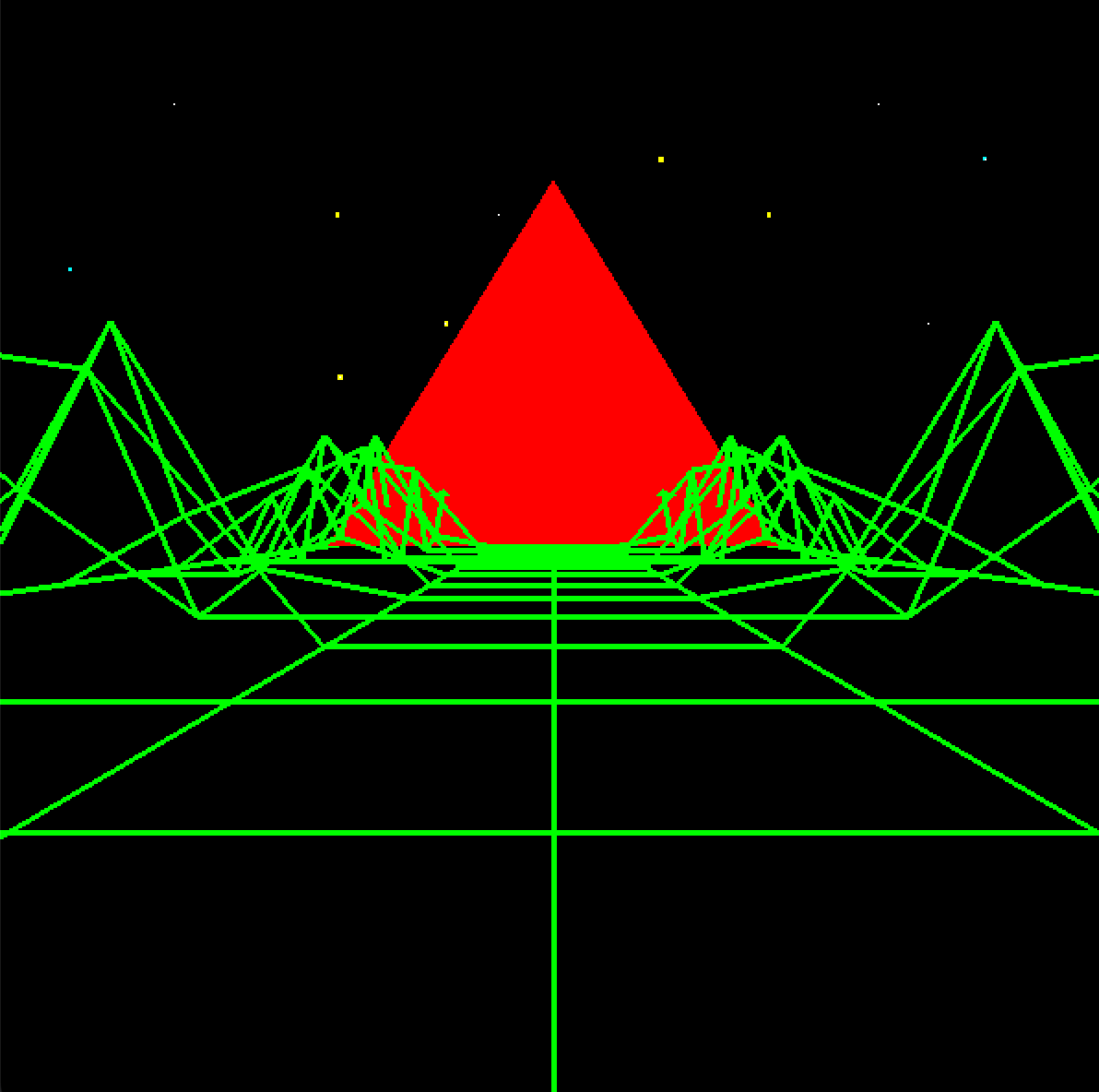
To finalize this effect, I used push and pop on the grid to extend it and animated its grid position. When the z value is greater than 2, I reset it to zero, which makes it seem seamless. A pleasant accident happened when I was messing around with the positioning of the triangle; Because I placed it before the grid ends, it appears as the grid lines are being “drawn” in real time. In reality, they’re clipping through the surface of the triangle, creating a very cool effect.
Screenshot for the gallery